
Deployment
One server, a cluster or a closed network.
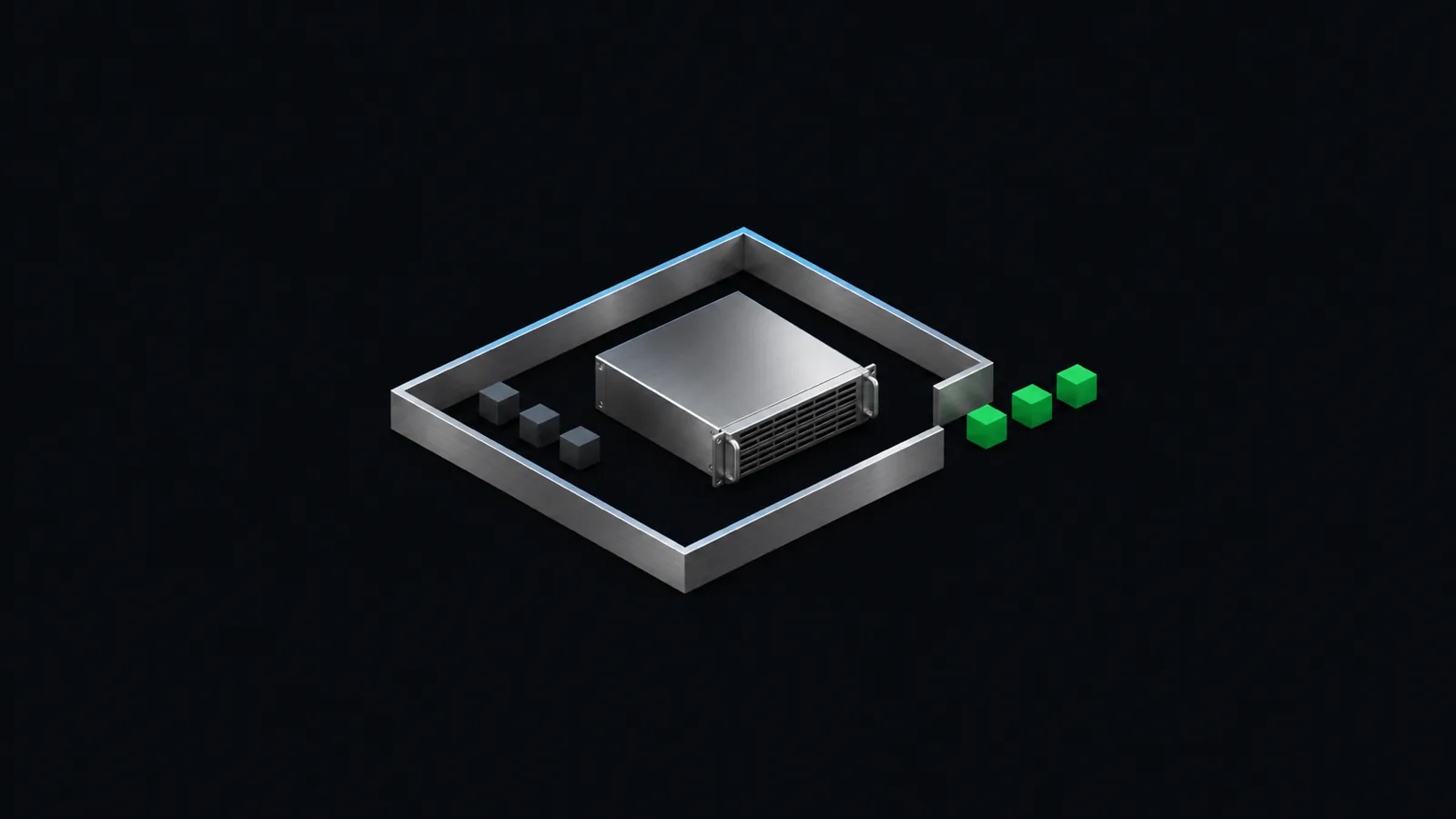
Siper runs on infrastructure you own: on-prem, in your private cloud or fully air-gapped. Your team runs the installation and our team is with you.
Install
Two ways to install, both inside your network.
Docker Compose
One Linux server
The whole product in eight containers on one server: masking, the ICAP server, file masking, the AI gateway, the admin panel and its database.
- RHEL 8 or 9, Ubuntu 22.04 or 24.04
- 8 vCPU and 32 GB of memory recommended
- No GPU needed
Helm chart
OpenShift and Kubernetes
One chart installs the same product with high availability defaults: two masking pods and three ICAP pods, spread over your nodes.
- OpenShift 4.14 or Kubernetes 1.27, and newer
- Fits the restricted-v2 security context: no anyuid, no privileged access
- Images mirror to your own registry
Closed network
An air-gapped install makes no outbound connection.
The installation kit carries every image, so the server needs no internet access. The kit is signed, and your team verifies it offline with tools that ship with RHEL. Each image comes with a software bill of materials.
The licence is a file. With an air-gapped licence Siper contacts no licence server, and it sends no telemetry in any mode.
High availability
When one server cannot mask, the other takes the traffic.
Put two Siper servers in your web proxy's ICAP pool and both carry traffic. A server answers the proxy's health check only while it can mask, so the proxy moves requests to the other one. On a cluster, the chart runs several copies of each part on different nodes.
If nothing can mask, the request stops. Nothing is forwarded unmasked.
Employees
Your web proxy hands AI traffic to Siper over ICAP.
FortiProxy, Skyhigh, ProxySG and Squid send AI requests to Siper, and Siper masks the request body: typed prompts and uploaded files. Nothing is installed on employee laptops.
Applications and agents
Your app changes two settings: the base URL and the API key.
Point the base URL at your Siper gateway and use a key that you create in Siper. Your SDK and the rest of your request stay the same. The gateway is OpenAI-compatible and also serves the Anthropic Messages API, so Claude Code and Codex run through it too.
Gateway client settings in Python
import os
from openai import OpenAI

client = OpenAI(
    base_url="https://siper.example.local/v1",
    api_key=os.environ["SIPER_API_KEY"],
)A key with masking turned off sends data straight to the model.
Requirements
Siper needs one Linux server or one cluster, and no GPU.
| Item | Requirement |
|---|---|
| Where it runs | Inside your network: on-prem, private cloud or fully air-gapped |
| One server | 4 vCPU, 16 GB of memory and 60 GB of disk at least. 8 vCPU, 32 GB and 100 GB recommended |
| Operating system | RHEL 8 or 9, Ubuntu 22.04 or 24.04, on x86-64, with Docker 24 or newer |
| Cluster | OpenShift 4.14 or Kubernetes 1.27, and newer, with Helm 3.12. Three worker nodes with 8 vCPU and 16 GB each recommended |
| GPU | Optional. Siper runs on CPU. You can add GPU servers as masking nodes, and CPU stays the fallback |
| Install kit | Signed, with checksums and a bill of materials. It installs with no internet access |
| Measured latency | 176 ms median per document. Setup: One 8-vCPU server, no GPU. |
Logs go to your SIEM over syslog, without message text or file contents.
Next step
Plan your install with us.
We go through your proxy, your server and what your team must do.
Use made-up data, not real personal data.